Model Update#
Added in version v1.13.0.
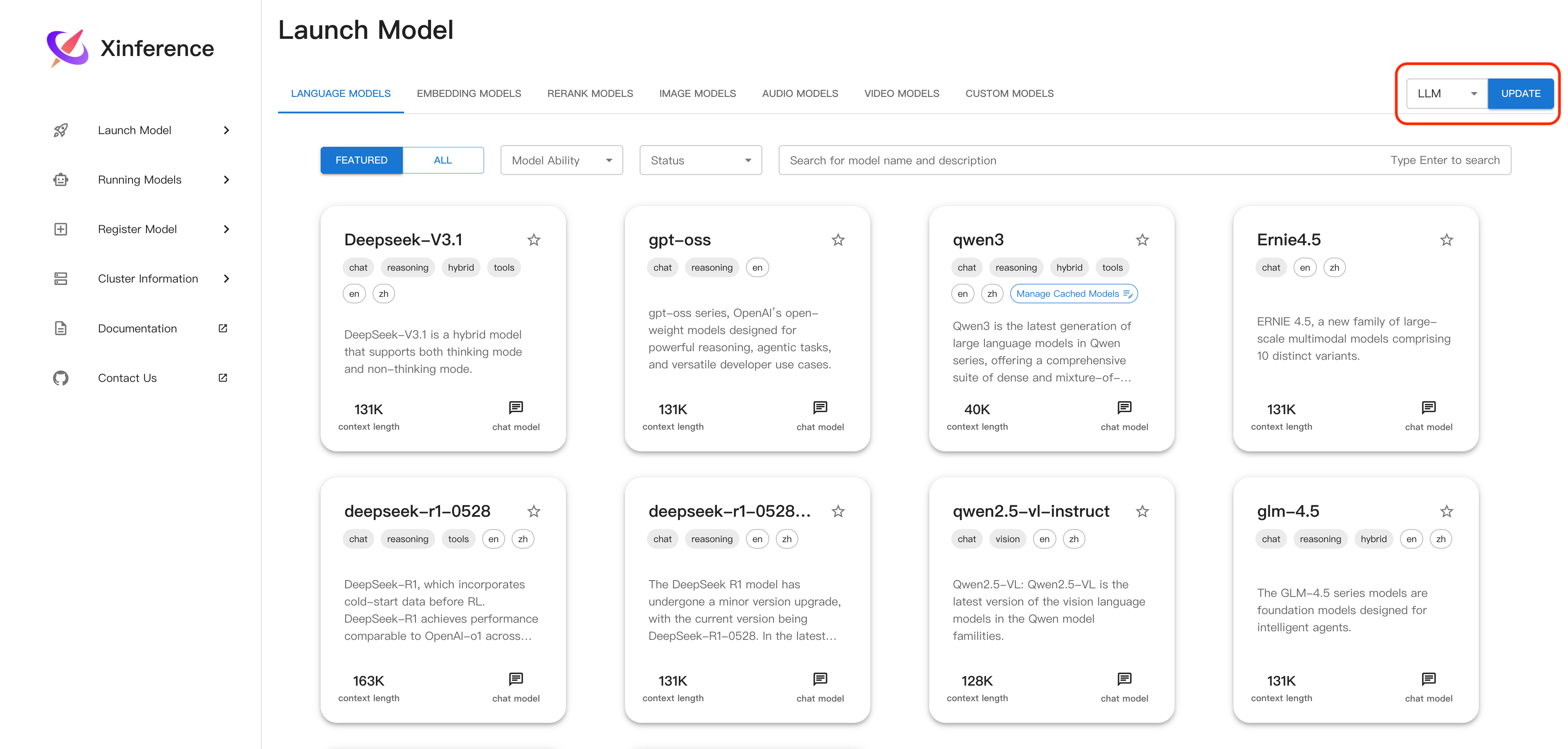
This section briefly introduces a common operation on the “Launch Model” page: updating the model list. It corresponds to the “Type Selection + Update” button at the top of the page, which is used to quickly refresh models of a specific type.
Model update rely on the online model list service provided by Xinference Models Hub .
Update Models#
Operation Location: “Type Selection” dropdown and “Update” button at the top right of the page.
Usage:
Select a model type from the dropdown (such as llm, embedding, rerank, image, audio, video).
Click the “Update” button, the page will send an update request to the backend, then automatically jump to the corresponding Tab and refresh the model list of that type.